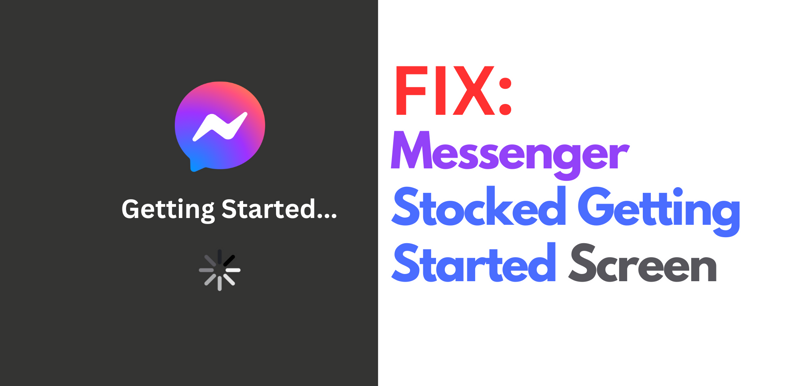
Fixed: Messenger Desktop Stocked on Getting Started Screen
Facebook Messenger Desktop application has a little bug, so here is a simple fix while the messenger desktop developer fix this issue.
#Software
Advertisement
If you're using a Facebook desktop in Windows OS. And you have a problem where your screen is stocked on the getting started screen. Here is a simple fix.
First, search the application called credential manager in your Windows search, and open it.
Now search for Messenger Desktop.v... and remove it.

That is it! Open the Messenger Desktop and re-login again. It should work now.
Thanks for reading! If you enjoyed this article and like this kind of content, you're always welcome to buy me a little coffee, but only if you'd like to. No pressure at all, and either way I'm truly grateful you stopped by. ☕
